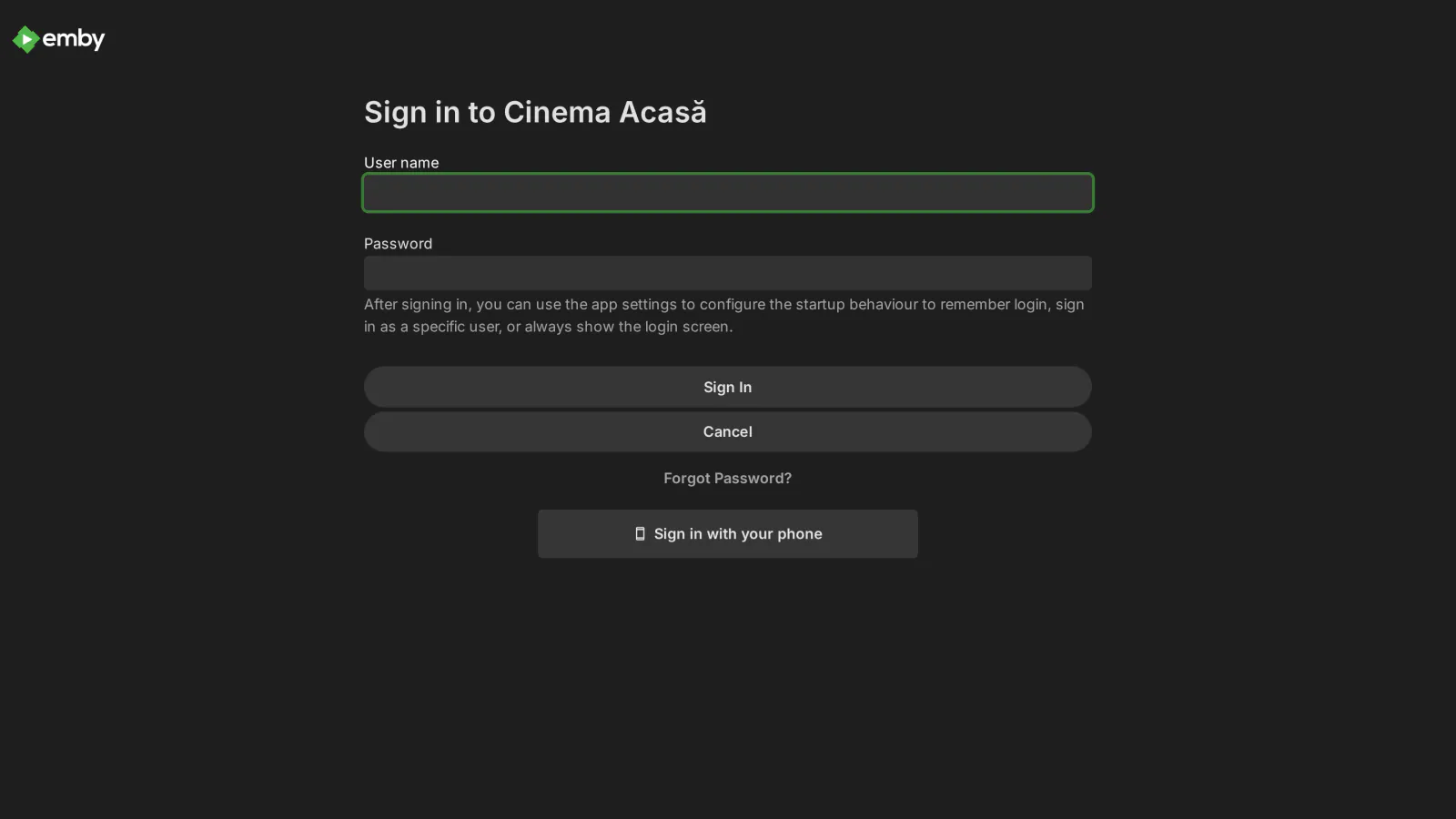
Quick Connect lets your users sign in on a TV or any other screen without typing their password with a remote. The screen shows a 6-digit code and a QR code; the user scans it with the phone, approves, and the screen signs in to Emby Web. Emby has no sign-in by code of its own; this plugin adds it.
What it does
- Sign in with your phone: on a TV browser, a computer or MediaLab TV, the screen shows a 6-digit code and a QR code. On the phone the user approves with one tap if Emby is already signed in there, or with username + password (this second way can be turned off). The screen then enters Emby Web by itself.
- "Sign in with your phone" button on the Emby Web sign-in screen. The plugin adds it to Emby's web page and puts it back automatically after Emby updates.
- One-time code for the official Emby apps (TVs, consoles, phones): a user who turns it on asks for a 6-digit code on the phone and types it in the password field of the Emby app. The code is valid for 5 minutes and works once. It is opt-in per user, and the normal password keeps working. If the plugin is removed or its license ends, Emby goes back to checking the normal password by itself.
- New account from the phone: with Registration installed, the phone page links to the sign-up page.
- Admin panel in the Emby dashboard: settings, the sign-in screen button, the users with app codes and the recent sign-ins. In English and Romanian.
Security
- Screen codes are random, valid for 5 minutes by default (1 to 15, as you choose) and used once; only the screen that asked for the code receives the session. One address can have at most 5 codes waiting at a time.
- 10 wrong attempts (wrong codes or wrong passwords) from one address within 10 minutes block it for 10 minutes. A one-time app code is canceled after 5 wrong tries.
- Disabled accounts are refused, and so are accounts without remote access when the screen is outside your local network. Optionally, administrator accounts cannot sign in by code at all.
- One-time app codes are stored only as a hash, in memory: restarting Emby cancels every code that is still waiting.
- Every sign-in by code is logged with user, device, app and who approved it.
Requirements
- Emby Server 4.10.1 or newer (Linux, Windows or Docker).
- For the button on the sign-in screen: write access to Emby's web page (
dashboard-ui/index.html). When Emby runs without it, the plugin shows the one command to run on the server. The phone and screen pages work without the button.
Frequently asked
Can my users sign in on a TV without typing their password? Yes. In Emby Web (TV browser, computer, MediaLab TV) they approve the code on the screen from their phone; in the official Emby apps they type a one-time code from the phone instead of the password. See the guide.
Does the one-time code replace the password? No. It is an extra way in, turned on per user. The normal password keeps working, and without the plugin Emby checks only the normal password again.
What it sends where
- No external service besides the licensing client. QR codes are generated on the server; the screen and phone pages load only the plugin's files.
- After sign-in the TV/browser is sent to the address set by the admin (default: the server's web UI). The session token is written to browser storage before the redirect, never put in the URL. Local/external addresses are HTTPS only.
- The login-screen button is added to
dashboard-ui/index.html(on by default; direct write, thensudo -n, otherwise the command is shown). If it can't be restored after an Emby update, the log is sent only with automatic log sending on (once per Emby version). - Plus the licensing client, the same in every plugin: see Licensing and privacy in our plugins.
Stored locally:
- Pending codes and one-time codes (6 digits, 5 min, single use) — memory only.
state/connections.json: last 500 sign-ins (time, user, device, app, IP, method).- The list of users who enabled one-time codes (plugin configuration).
Never sent: passwords, tokens — nothing goes to third parties.
Client compatibility
- Screen + phone (QR, approve from the phone): browsers — Emby Web on a TV, desktop, MediaLab TV. ✅ emulated (Chrome with a Philips NETTV User-Agent; 40/40); ❔ not tested on physical TVs.
- Login-screen button: Emby Web only.
- Official Emby apps (Android, iOS, Android TV, Samsung, LG, Roku, Apple TV): the one-time code is typed instead of the password. Per-user option (off by default): switches the user's authentication provider to the plugin; the normal password still works; without the plugin/license Emby falls back to the default provider. ✅ simulated via API (client "Emby for Android TV"); ❔ not tested in the real apps.
- Automatic sign-in after new account + payment: with Registration (1.10.5+) and Cashier; off by default.
Legend: ✅ verified (end-to-end or on-device test) · 🟢 server-side, works with any client (by design, no client-specific test) · ➖ not applicable · ❔ not tested.
Licensing
One license per Emby server. Monthly, yearly or lifetime, or included in the Emby bundle. Free 30-day trial. The plugin is licensed under our EULA.
Our own code, written by MediaLab Works. Third-party code: the QR code generator is based on the QR Code generator library by Project Nayuki (MIT license).