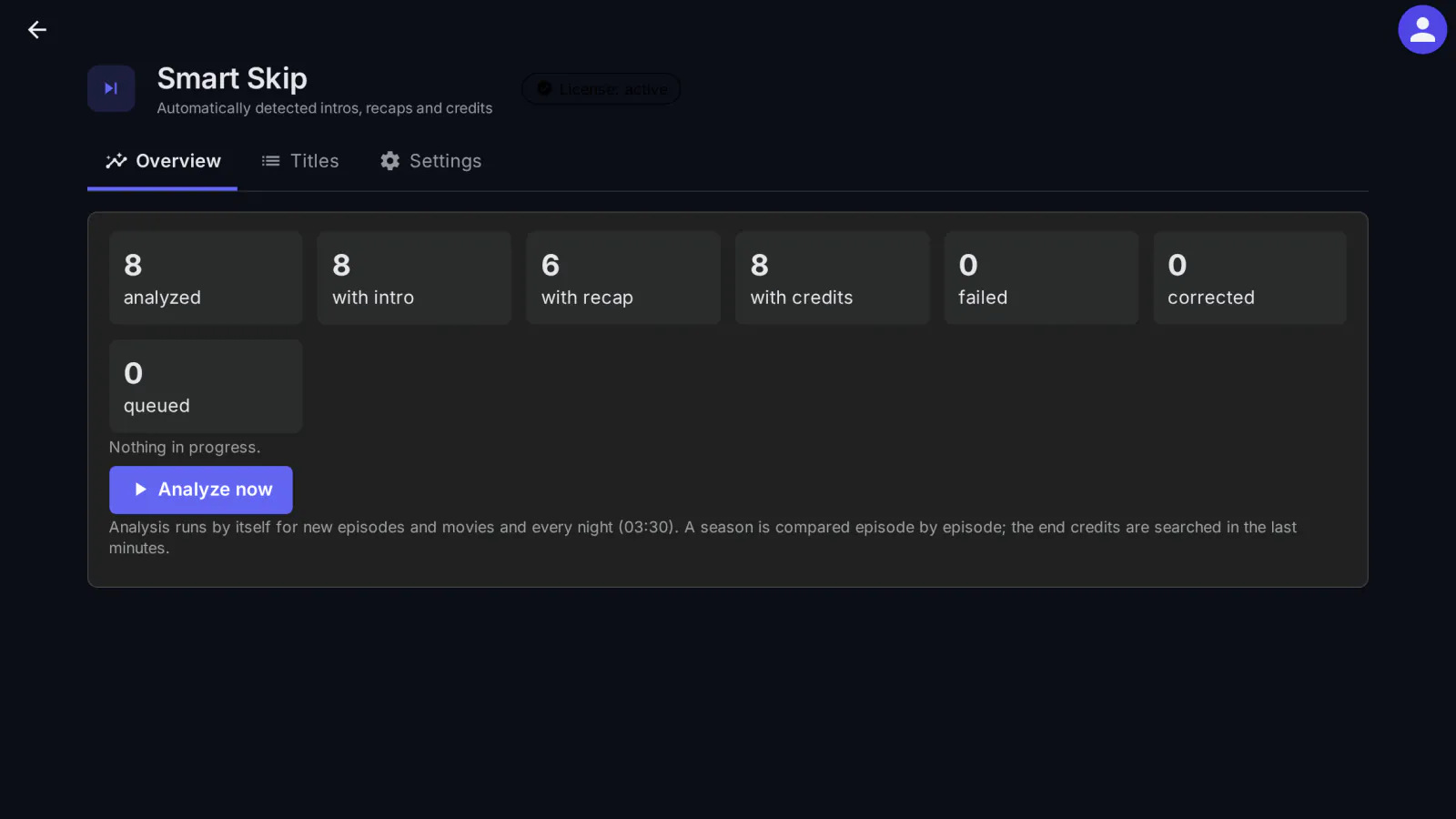
Smart Skip finds the intro, the recap ("Previously on…") and the end credits of your series and movies by itself, so viewers can skip them and get the next episode as soon as the credits start. It works on your server only, with Jellyfin's own ffmpeg, and hands the results to Jellyfin as media segments.
What it does
- Intros, detected per season from audio fingerprints, including episodes with a scene before the opening titles (cold opens).
- Recaps ("Previously on…").
- End credits for episodes and movies. Movie epilogues are protected, and the next episode is offered when the credits start.
- Admin page: the confidence for each title, a "to review" list, and an editor that shows the exact frames at each boundary. Manual corrections are never overwritten by the analysis.
- Automatic for new episodes and movies, plus a nightly task.
- In Jellyfin: a media segment provider. Intros, recaps and credits become Jellyfin's own Intro, Recap and Outro segments, which the Jellyfin apps that support media segments use for their Skip button and for "next episode".
Limits
- "Next time on" previews are not detected.
- Recaps that were re-edited (remixed) are detected only sometimes: Smart Skip prefers marking nothing to marking the wrong part.
- With recap detection on, analyzing a new season takes about twice as long. Recap detection can be turned off.
- An intro needs at least two episodes of the same season to compare; an intro the analysis is not sure of is not handed to Jellyfin.
Client compatibility
- Jellyfin Web (tested): "Skip Intro", the recap after "Ask", and "Next Episode" when the credits start. Each user chooses what happens at a recap in Settings → Playback → Media segments: on official Jellyfin nothing happens by default, on medialab Server the default is "Ask".
- The other Jellyfin apps use the media segments as each app supports them; what happens at each segment (skip, ask, nothing) is chosen in the app. From the apps' public documentation, not tested by us: Jellyfin for Android TV, Findroid, Streamyfin and Kodi (Jellyfin for Kodi, JellyCon) use segments, Infuse partly, Swiftfin not.
- Tests on real TV and phone apps are still to come.
What it sends where
Nothing: the analysis is fully local, with no online intro database, and the plugin changes no server files. Only the license check reaches medialab.works.
Full details for every product, including what stays on your server: Licensing, privacy and compatibility.
Requirements
- Jellyfin Server 12.2 or newer.
- Nothing else: Smart Skip uses the ffmpeg of your Jellyfin server (chromaprint, signalstats) and no graphics card.
Licensing
The plugin is open source (GPL-3.0). The ready-to-install builds are public, like the source code. What you buy is the subscription: the license to use the plugin on one Jellyfin server, the updates your plan includes, and support: every update while the subscription is active, through your private plugin repository, and help when something does not work. The plugin checks the subscription key once a day; without a valid subscription it stops until you renew (nothing is deleted). Monthly, yearly or lifetime (lifetime includes one year of updates), or included in the Jellyfin bundle. 30-day free trial.
Source code. For every release, the complete corresponding source code is public, next to the build, in the changelog, and also in your account (Account → Licenses, Source code); each archive contains the full GPL-3.0 text (LICENSE). If you need the source of a version you can no longer download, ask us and we send it. See section 10 of the EULA.
Our own code, written from scratch by MediaLab Works; it contains no third-party code and uses only .NET and the ffmpeg of your Jellyfin server.